
When Aisha opened her laptop at midnight to check if her college fees would be covered, the silence on the portal felt heavier than the stack of documents beside her. Ravi refreshed the dashboard repeatedly, knowing that a single “Approved” status could transform his future.
This practical, step-by-step guide explains how to do swami vivekananda scholarship status check, how to read the portal messages, what typical delays mean, and exactly what to do if your application shows “Rejected” or “Pending.” It is written for students, parents and college staff who need a clear, friendly walkthrough — and all instructions are based on the official SVMCM portal and recent updates from trusted education websites and community channels.
What is the Swami Vivekananda scholarship (SVMCM)?
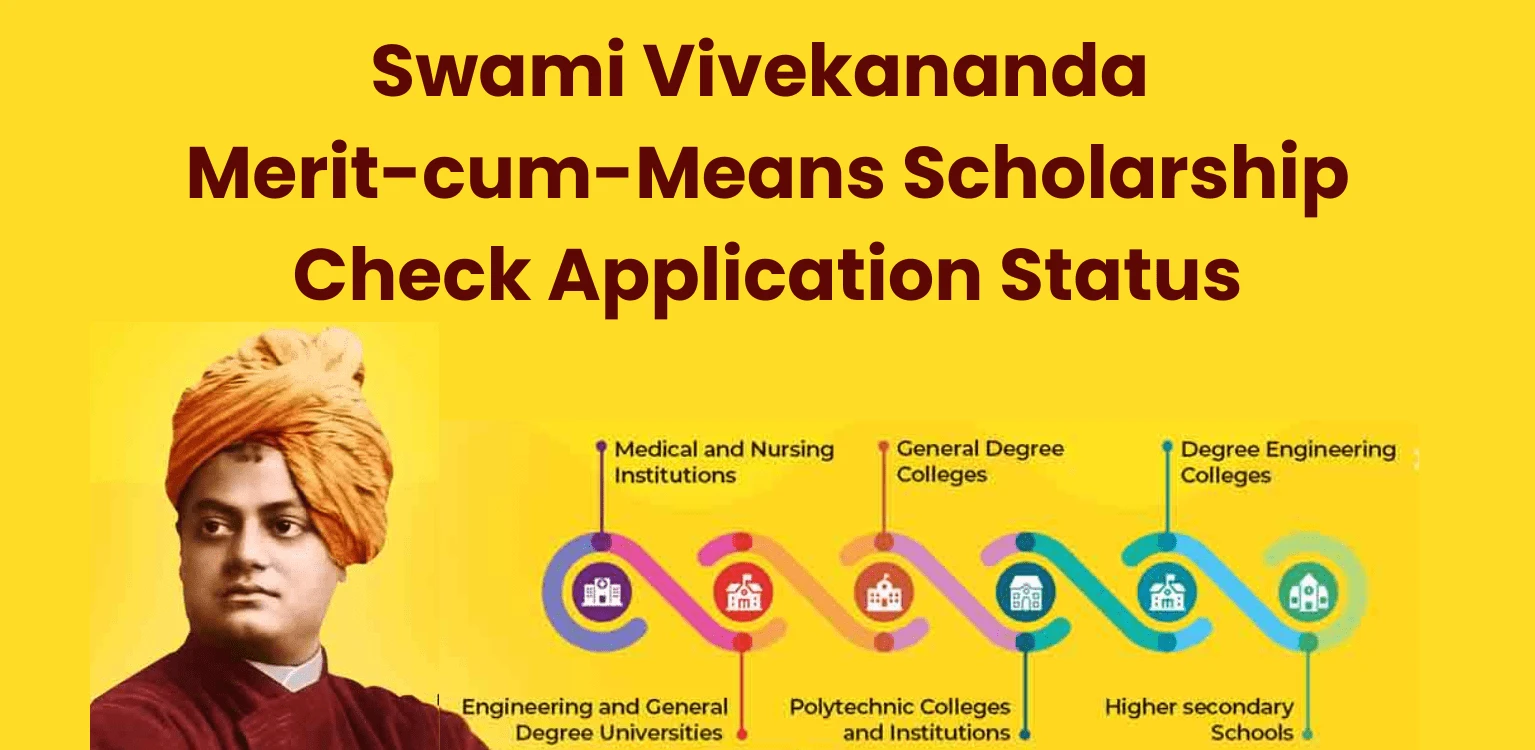
The Swami Vivekananda Merit-cum-Means Scholarship (SVMCM) is a West Bengal state initiative designed to support meritorious students from economically disadvantaged backgrounds. It provides financial aid for higher education (Class 11 to postgraduate/professional courses) to reduce dropouts among students who excel academically but face financial barriers.
Eligibility Criteria
- Income Criteria: Family annual income must meet the ceiling specified on the SVMCM portal. Check the FAQ for your category (General, SC, ST, OBC, or special categories).
- Application Types: Fresh (first-time applicants) and Renewal (existing recipients uploading updated documents and marks).
- Special Streams: Certain topper categories may follow separate application processes—verify on the portal before applying.
For detailed Eligibility Criteria check out our page: Eligibility Criteria for the Swami Vivekananda Scholarship
Success Store: Priya’s Document Fix
Priya’s application was rejected due to a blurry income certificate. She reuploaded a clear copy and emailed the helpdesk with evidence, resulting in her application being approved in the next cycle.
Key 2025 Deadlines and Registration Updates
Deadlines for Fresh, Renewal, and Topper applications vary annually and may have distinct submission windows. Always confirm timelines on the official SVMCM portal (svmcm.wb.gov.in). If you see “Registration Closed,” the current application window has likely ended. Await the next notification from the portal or your institution’s Head of Institution (HOI).
Pro Tip: Avoid relying solely on third-party websites for deadline information. Cross-check all dates with the official portal or your college’s HOI.
How to Check Your SVMCM Scholarship Status: Step-by-Step
There are two primary methods to check your SVMCM application status: (A) Quick Track without logging in (if available) and (B) Applicant Login via the dashboard. Follow these steps for reliable results.
Method A: Quick Status Check (Guest Option)
- Visit the official SVMCM portal (svmcm.wb.gov.in).
- Locate the “Track Application” or “Application Status” link on the homepage or registration page.
- Enter your Application ID and required details (e.g., date of birth or mobile number).
- Submit to view the status (e.g., Under Verification, Pending at HOI, Approved, Rejected).
Method B: Applicant Login (Recommended)
- Navigate to “Applicant Login” on the SVMCM portal.
- Select the correct academic year and application type (Fresh, Renewal, or Topper).
- Enter your Applicant ID, Password, and CAPTCHA, then click “Login.”
- From the dashboard, select “Track Application” or “Application Status” to view the current stage and action history.
Pro Tip: After checking, save a screenshot or PDF of the status page (use “Print to PDF”). This is invaluable for resolving issues with your college or the SVMCM helpdesk.
Use this concise process every time you need a swami vivekananda scholarship status check; if the portal changes layout, look for similar labels: Applicant Login → Track Application → Status.
Decoding Common Status Messages
Understanding portal status labels can ease anxiety and guide your next steps. Below are typical messages, their meanings, and recommended actions.
| Status | Meaning | Action |
|---|---|---|
| Submitted / Application Received | Application successfully submitted to the portal. | Wait for college/HOI verification. Keep copies of uploaded documents. |
| Under Verification | Documents are being reviewed for authenticity by officials. | Be patient (typically 1–3 weeks). Respond promptly if corrections are requested. |
| Pending at HOI | College/HOI must verify and forward your application. | Contact your college immediately with your Applicant ID and proof of submission. |
| Forwarded / Sent to HO | Application forwarded to state nodal authorities for processing. | Monitor progress regularly; this indicates good progress. |
| Approved (Sanctioned) | Scholarship approved; funds will be disbursed per the payment cycle. | Verify bank details and check with the college accounts office if funds are delayed. |
| Rejected | Application denied due to ineligibility or document issues. | Review rejection reason on the portal. Fix errors and reapply if permitted. |
Action Tip: Always screenshot the status page with a timestamp during each Swami Vivekananda scholarship status check. This documentation is critical for escalations.
Success Story: Rohit’s Journey to Approval
After weeks of seeing “Pending at HOI,” Rohit contacted his college with a screenshot of his status. His persistence paid off when the college forwarded his application, securing his scholarship funds within days.
Troubleshooting Common Issues
Forgot Applicant ID or Password?
Use the “Forgot Applicant ID/Password?” link on the portal. Follow prompts to recover your ID or reset your password via registered email or mobile. If unsuccessful, contact the SVMCM helpdesk with your details.
No Status Updates? Follow This Checklist
Before escalating, ensure:
Approved but Funds Not Received?
Delays may occur due to:
Action Plan:
- Confirm approval with a screenshot and check disbursement dates on portal notices.
- Contact your college’s accounts office to verify sanction details.
- If unresolved, submit a helpdesk ticket with screenshots and bank proof.
Success Store: Ankit’s Timely Escalation
Ankit noticed a delay in payment receipt despite an “Approved” swami vivekananda scholarship status check. By contacting his college accounts office with a timestamped screenshot, he ensured his funds were disbursed within a week.
Escalating Issues Responsibly
If your swami vivekananda scholarship status check remains unchanged or issues persist, contact the SVMCM helpdesk or nodal officers listed on the portal. Provide your Applicant ID, name, course, college, and screenshots of the status page. Avoid spamming—use the sample email template below for clarity.
Sample Email to SVMCM Helpdesk
Subject: Clarification Request for SVMCM Application Status — Applicant ID: [Your ID]
Dear SVMCM Helpdesk,
I am inquiring about my application (Applicant ID: [Your ID], Name: [Your Name], Course: [Your Course], College: [Your College]). My recent SVMCM scholarship status check shows “[Status Message]” as of [Date/Time]. Please clarify the reason and expected timeline for the next steps. Attached are screenshots and relevant documents for reference. Let me know if additional information is required.
Thank you,
[Your Full Name] | [Mobile Number] | [Email]
Renewal Applicants: Checking Your Status
Renewal applicants must upload updated marksheets and, in some cases, additional documents. The flow for a renewal svmcm status check is the same: Applicant Login → Renewal Dashboard → Track Application. If the status shows “Pending with Student,” you likely need to correct or upload documents. Contact your college’s HOI to ensure timely forwarding.
Common Mistakes to Avoid
Fixes: Correct errors, reapply in the next window if allowed, and maintain records of all communications.
Final Checklist for a Smooth Status Check
When you perform the swami vivekananda scholarship status check, having these items ready saves time and strengthens your request if escalation is necessary.
FAQs: Quick Answers on Swami Vivekananda Scholarship Status Check
Closing Notes
When Arjun saw “Approved” on his screen, he calmly printed the page and visited his college accounts office, securing his funds with confidence. Maya’s preparedness—two screenshots and a polite email—resolved a minor mismatch, ensuring her scholarship was disbursed swiftly.
Perform your SVMCM scholarship status check with this guide, keep records organized, and act promptly to resolve issues. With these steps, you’re equipped to navigate the process and secure your scholarship.